A little something from Konda
Free photo strip makerLittle moments.
Yours to keep.
Turn your favorite photos into a photo booth strip.
Pick a paper, find your filter, make it yours.
- No sign-up
- No watermark
- Photos stay on your device
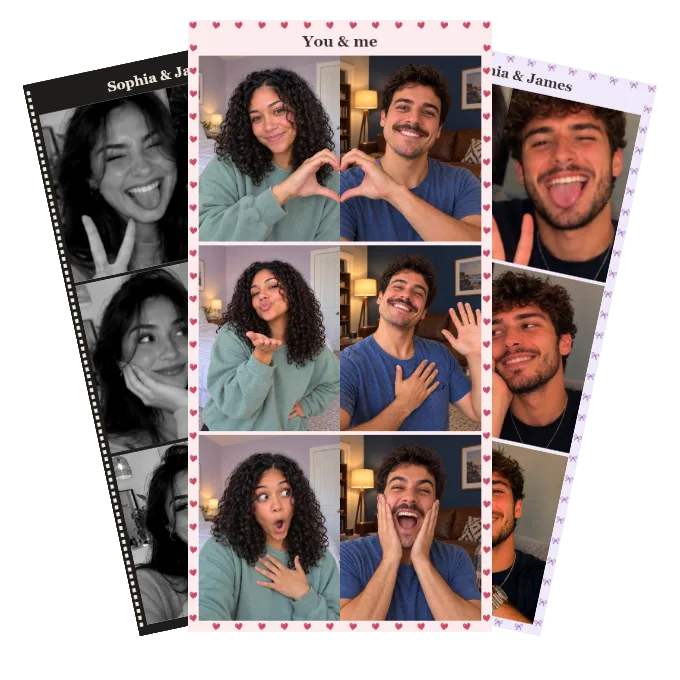
Your own little strip.
Add your photos to start making your strip.
Full-resolution PNG · Free, always
Make it yours.
Add 2–6 photos.
After uploading, you can change their order and adjust each photo’s crop.
Just between you and your browser.
Your photos aren’t uploaded or saved by Konda.
A paper for every mood.
A few favorites, inspired by Konda’s Photo Booth.
Set the feeling.
One filter across your strip, for a look that belongs together.
Put a name to the moment.
A date, a place, an inside joke. Or keep it simple.
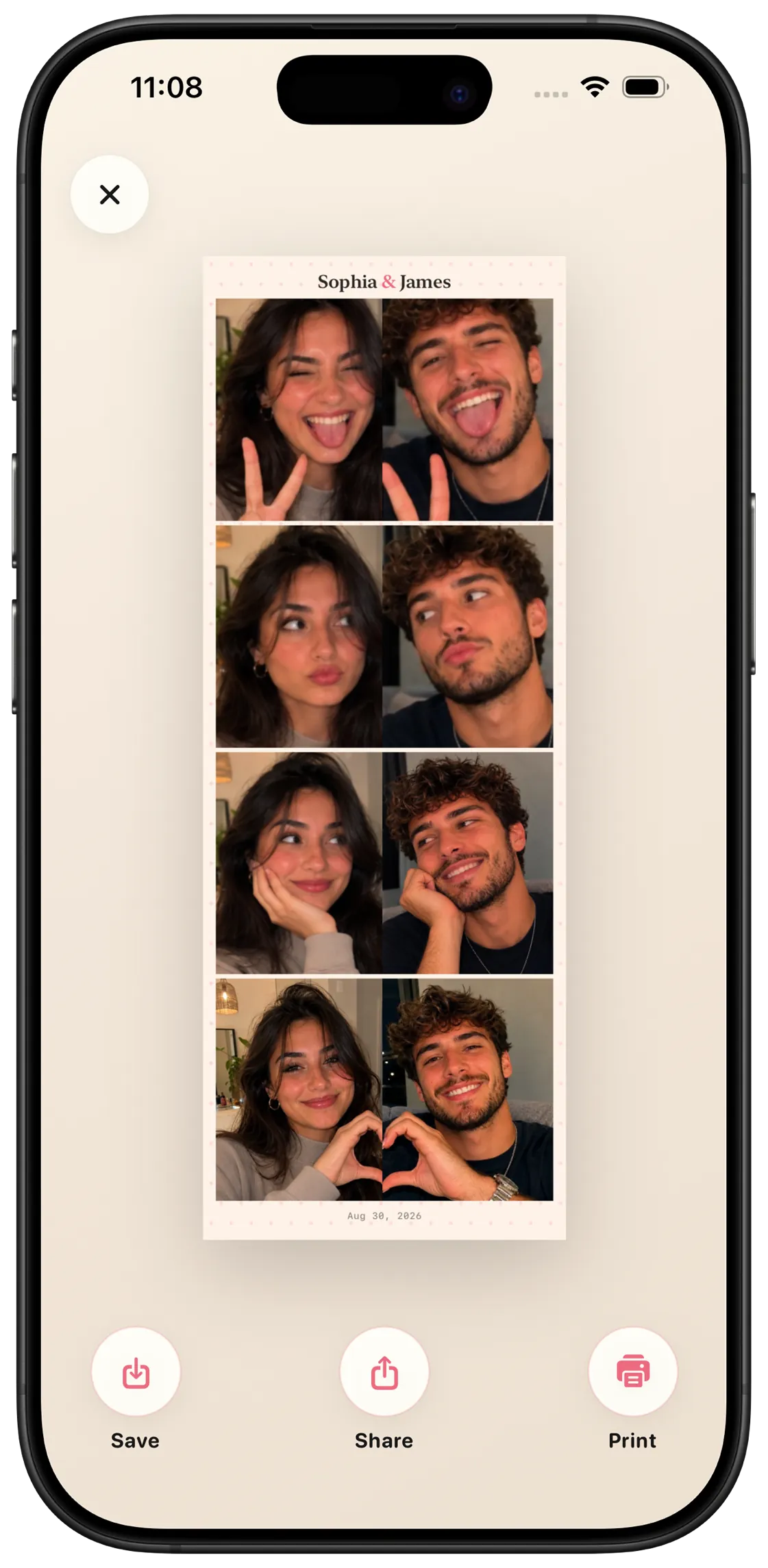
There’s a whole date behind the photo.
Take the photos together.
Even when you’re apart.
In Konda’s virtual Photo Booth, pick an idea, take your pictures, and reveal them to each other. Step into shared scenes and turn the results into photo strips that feel like you.
Discover Konda for iPhonePhoto Booth is part of Konda+. This web editor is free.
From camera roll to photo strip
An online photo strip in three little steps.
Bring your photos
Upload 2–6 pictures from your phone or computer. Selfies, your favorite people, a weekend you don’t want to forget.
Give them a little personality
Choose a photo booth paper, try a filter, and adjust each crop. Add a title and date if you like.
Keep your strip
Download a full-resolution PNG without a watermark. Save it, share it, or print it at home.
Good to know
A few little questions.
Is this photo strip maker really free?
Yes. Upload your photos, use any of the papers and filters in this web editor, and download your strip for free. There’s no account, watermark, or payment needed.
Can I take photos in this online photo booth?
This tool makes photo booth-style strips from pictures you already have. It doesn’t use your camera. To take pictures with your partner while apart, try the virtual Photo Booth in the Konda app.
Are my photos uploaded anywhere?
No. Your photos are opened and edited locally in your browser. This editor doesn’t send them to a server or save your project. Download your finished strip before closing or refreshing the page.
Can I use this on my iPhone or Android phone?
Yes. Use a current version of Safari, Chrome, Firefox, or Edge on your phone, tablet, or computer. Choose photos from your library, then download the finished PNG. If your browser opens the PNG instead, press and hold it to save it.
Which photos can I upload?
Choose JPG, PNG, WebP, or AVIF files up to 15 MB each. If a HEIC photo won’t open, export it as a JPG first. You can use up to six photos and adjust their crops in the editor.
Can I print my photo strip?
Yes. The PNG is 1,640 pixels wide, with a height that fits your photos. Open the downloaded image and choose your printer’s fit-to-page setting, or size it on a sheet before printing.
What’s different about Photo Booth in the Konda app?
The app lets partners take pictures together across distance, use photo ideas and shared scenes, reveal their photos to each other, and keep memories in their couple space. This free web tool is for making strips from existing photos.